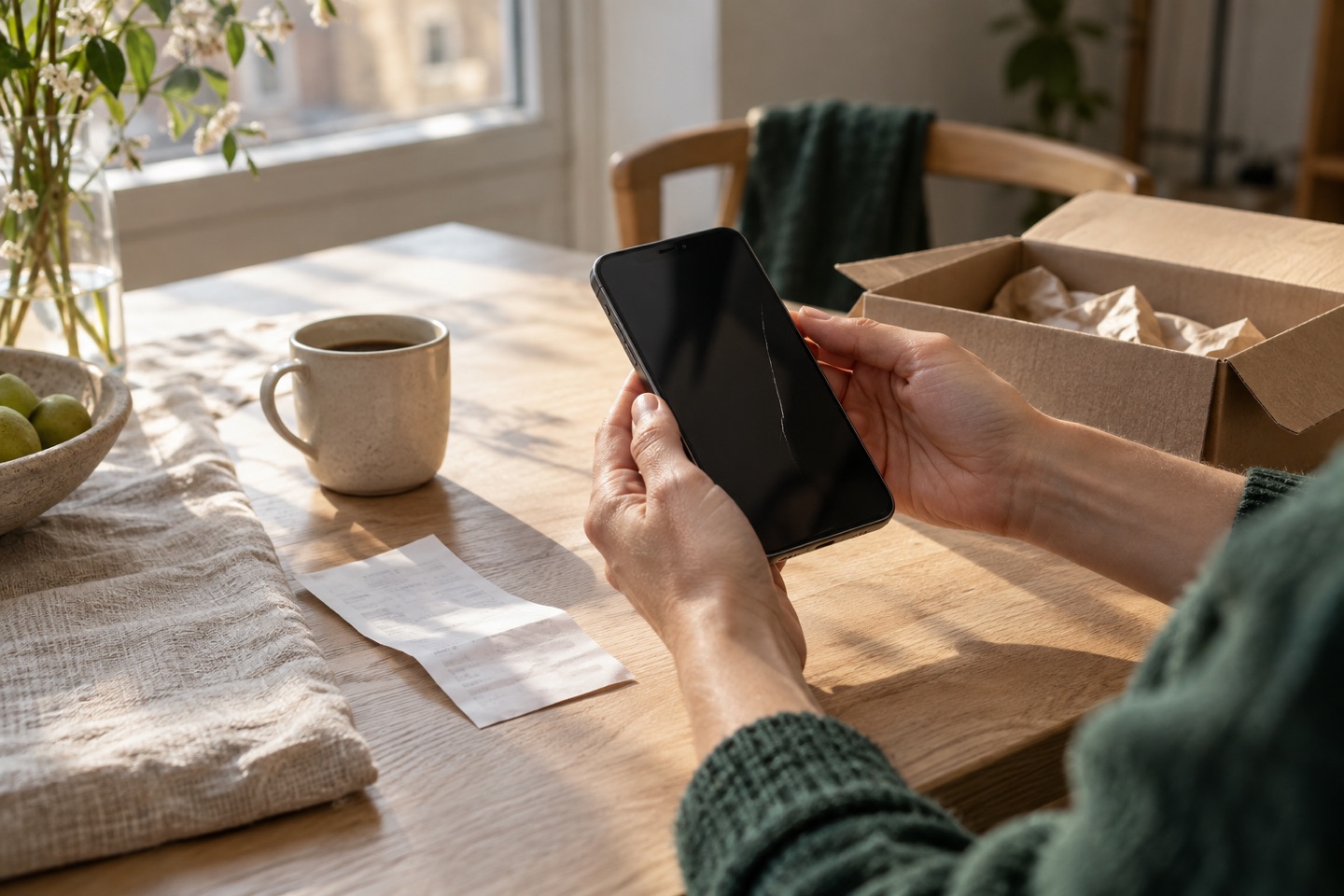
For a complaint under the Danish Sale of Goods Act, contact the business that sold you the item. Describe what has happened and the solution you would like.
Already written to the seller?Before you write
- Find proof of purchase and the delivery date.
- Note when you discovered the fault and how it appears.
- Take relevant photos or a short video.
- Write to the seller and keep your message and the reply.
You can create a free Danish letter step by step at Refunded or copy the template here. No account is needed. You send the letter yourself. Both websites are run by Lucas Savel.
Read Forbrug.dk: how to complain and our overview of the Danish Sale of Goods Act.
When you get no reply
Reply in the same email thread to keep the correspondence together. Ask for an update and note when you will follow up again.
The tool produces a Danish letter. You edit and send it yourself. Your calendar date is a reminder for you, not a statutory deadline for the shop to reply.
See a short message you can use
Hello [shop]. I wrote to you on [date] about [item and order number] and am still waiting for a reply. Please give me an update and let me know the next step. I have attached my earlier message and relevant documentation. Kind regards, [name].
Adapt the message to your situation. If you have only received an automatic reply, say so. If a reply includes questions or an offer, consider its contents before following up.
Keep copies of messages, attachments and agreements. If you still cannot make progress, you can check the appropriate complaints route.
Based on: Forbrug.dk on written complaints and documentation. Keeping one email thread and setting a calendar reminder are practical suggestions.
Phones, computers and other electronics
Describe whether the fault happens all the time or only in certain situations. Note error messages and keep photos. Mention any earlier repairs too.
Make a backup if possible before handing in the item. Agree with the seller how to hand it in. A software fault may need a different investigation from visible physical damage.
Read the electronics guideWashing machines, fridges and other appliances
Note the model, serial number and description of the fault. Take photos of any leak or error display. If the item seems dangerous, stop using it and contact the seller.
Agree on inspection and transport before booking your own repairer. A covered defect must be remedied free of charge, but it is important to give the seller the opportunity to solve the problem first.
Source: Forbrug.dk on repair and replacement.
Online shopping
Keep the order confirmation, delivery details and the seller’s contact information. Distinguish between a faulty item and a purchase you have simply changed your mind about. When buying from a business online, there is normally a 14-day right to cancel, but there are exceptions.
Read the terms and keep a record of your messages. For cross-border purchases, the complaints route may differ from a purchase from a Danish seller.
Source: Forbrug.dk on the right to cancel.
Clothing and shoes
Describe the material, how the item has been used and how it has been washed or maintained. Photos of both the fault and the rest of the item can make the problem easier to understand.
Normal wear and tear is not automatically a defect. This depends on factors including the item’s quality, use and what you could reasonably expect at purchase.
Source: Forbrug.dk on defects and statutory rights.
If your complaint is rejected
Ask for a written explanation. Compare it with your documents and the rules before deciding your next step. A complaints body may require you to have complained to the seller first.
Request a review based on your own information. The tool produces a Danish letter. You edit and send it yourself. The letter does not assess your legal rights. Refunded is also run by Lucas Savel.
Find the appropriate complaints route